
Rental LED Screen Pixel Pitch Comparison: P1.56 vs P1.95 vs P2.604 vs P2.97 vs P3.91
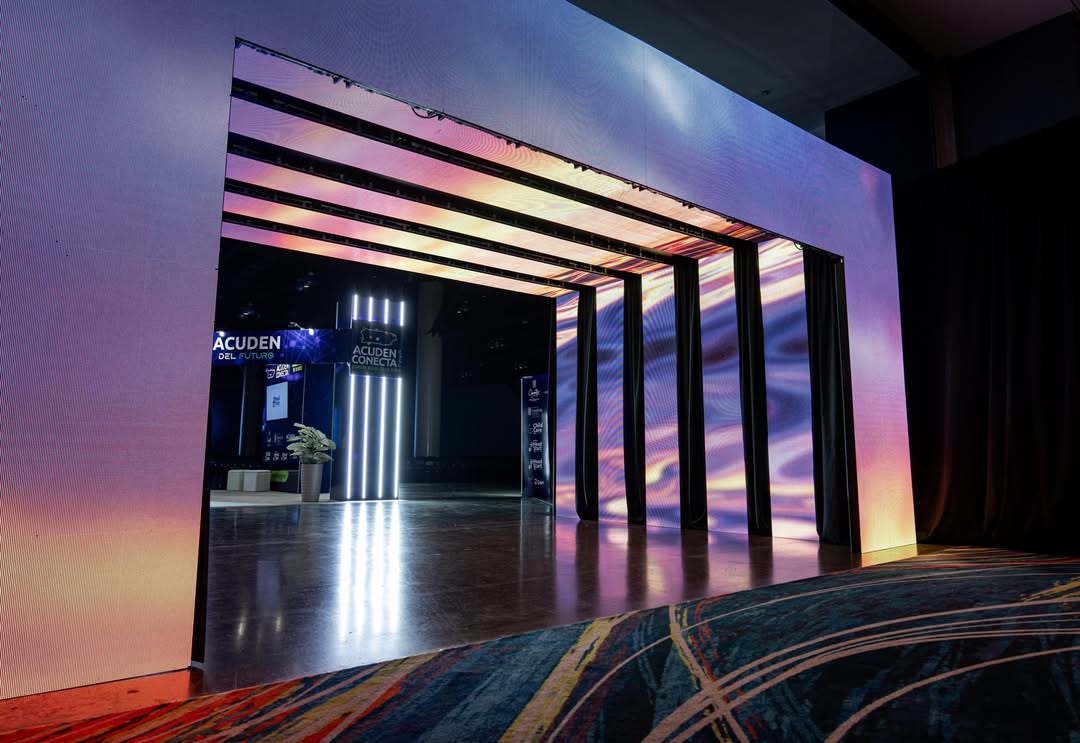
Rental LED screen buyers often treat pixel pitch as a quality score: the smaller the number, the better the screen. Inside the D Series from DDW DISPLAY, that shortcut breaks down. The D Series is a rental LED screen family offered in P1.56, P1.95, P2.604, P2.97, and P3.91, all built on a 500×500mm cabinet with an H160° / V140° viewing angle and refresh rates up to 7680Hz. The outdoor version carries IP65 protection and brightness up to 5000 nits.
Because the cabinet footprint, viewing angle, and refresh ceiling are shared, the pitch decision is not about which screen is objectively “best.” It is about which pitch delivers enough detail at the distance your audience and cameras will actually view. A P1.56 screen can be the right choice for a close-view corporate stage and the wrong choice for a festival backdrop viewed from the back of a field. This guide compares the five D Series options as one rental platform, so buyers can separate real image-detail differences from facts that stay the same across the family.
Problem Definition: Why Pixel Pitch Is Not a Simple Quality Ranking
The practical problem is not a lack of pixel pitch options. It is that rental companies and event producers buy screens for repeated use across different stages, venues, camera layouts, and audience geometries. A pitch that looks impressive in a showroom may add cost without adding visible detail at the actual viewing distance. A pitch that works for a large outdoor backdrop may expose pixel structure when used as a close-view presentation screen.
Three pressures make the decision harder. First, rental inventory has to serve more than one event type, so the chosen pitch must fit a realistic range of uses rather than a single ideal case. Second, camera work changes the requirement: a screen viewed by an audience and a screen captured by a broadcast or IMAG camera are judged differently. Third, the D Series itself removes several variables — cabinet size, viewing angle, and refresh rate ceiling are shared — so the remaining decision is narrower and more specific than a general “which rental LED screen should I buy” question.
The useful decision rule is therefore: choose the finest pitch that the nearest critical viewer and the most demanding camera shot can justify, then confirm that the rest of the event profile fits the same platform. Pixel pitch is a detail-at-distance decision, not a standalone ranking.
Industry Background: Rental LED Demand and the Detail Expectation
The wider LED display market provides context for why rental buyers are being asked to compare finer pitch options. Mordor Intelligence estimates the global LED display market at USD 20.73 billion in 2026, growing to USD 26.98 billion by 2031. A separate secondary estimate cited by Allied Market Research valued the global rental LED display market at approximately USD 5 billion in 2020 and forecast it to exceed USD 8 billion by 2027; that rental figure comes from a secondary source and should be treated as a directional estimate rather than a precise procurement benchmark.
What matters for screen selection is the direction of demand. Event production, exhibition, broadcasting, corporate events, and concert staging continue to require temporary installations that are transported, assembled, and dismantled repeatedly. DDW DISPLAY’s event production application notes describe indoor and outdoor temporary installation, frequent transportation and assembly, stage lighting environments, large audience viewing distances, high brightness outdoor conditions, and long operating hours during events. Those conditions explain why rental LED displays emphasize fast installation, lightweight cabinet design, high refresh rate for camera shooting, seamless splicing, flexible hanging and stacking, and reliable performance during repeated rental use.
Within that environment, pixel pitch becomes a commercial as well as a visual specification. It affects how close the audience can be before pixel structure becomes visible, how much detail a camera can capture, and how the screen is positioned in the overall stage design. The D Series addresses this by offering five pitches on one 500×500mm cabinet platform, which lets a rental operator compare detail levels without changing the basic cabinet footprint.
Detailed Solution: The D Series Platform and What Each Pitch Changes
DDW DISPLAY (Shenzhen DDW Technology Co.,Ltd.) is an LED display manufacturer founded in 2012 in Shenzhen, China. The company produces rental LED screens, indoor fine-pitch LED displays, outdoor LED displays, COB LED displays, XR virtual production LED walls, LED posters, stadium LED displays, and commercial LED video walls. Its rental LED screen range includes the D Series, a family positioned for stage, event, and temporary installation work.
The D Series is available in P1.56, P1.95, P2.604, P2.97, and P3.91. All five options share a 500×500mm cabinet, an H160° / V140° viewing angle, and refresh rates up to 7680Hz. The outdoor version has an IP65 protection rating and brightness up to 5000 nits. The product brief also specifies hanging and stacking installation, which keeps the family aligned with common rental stage workflows.
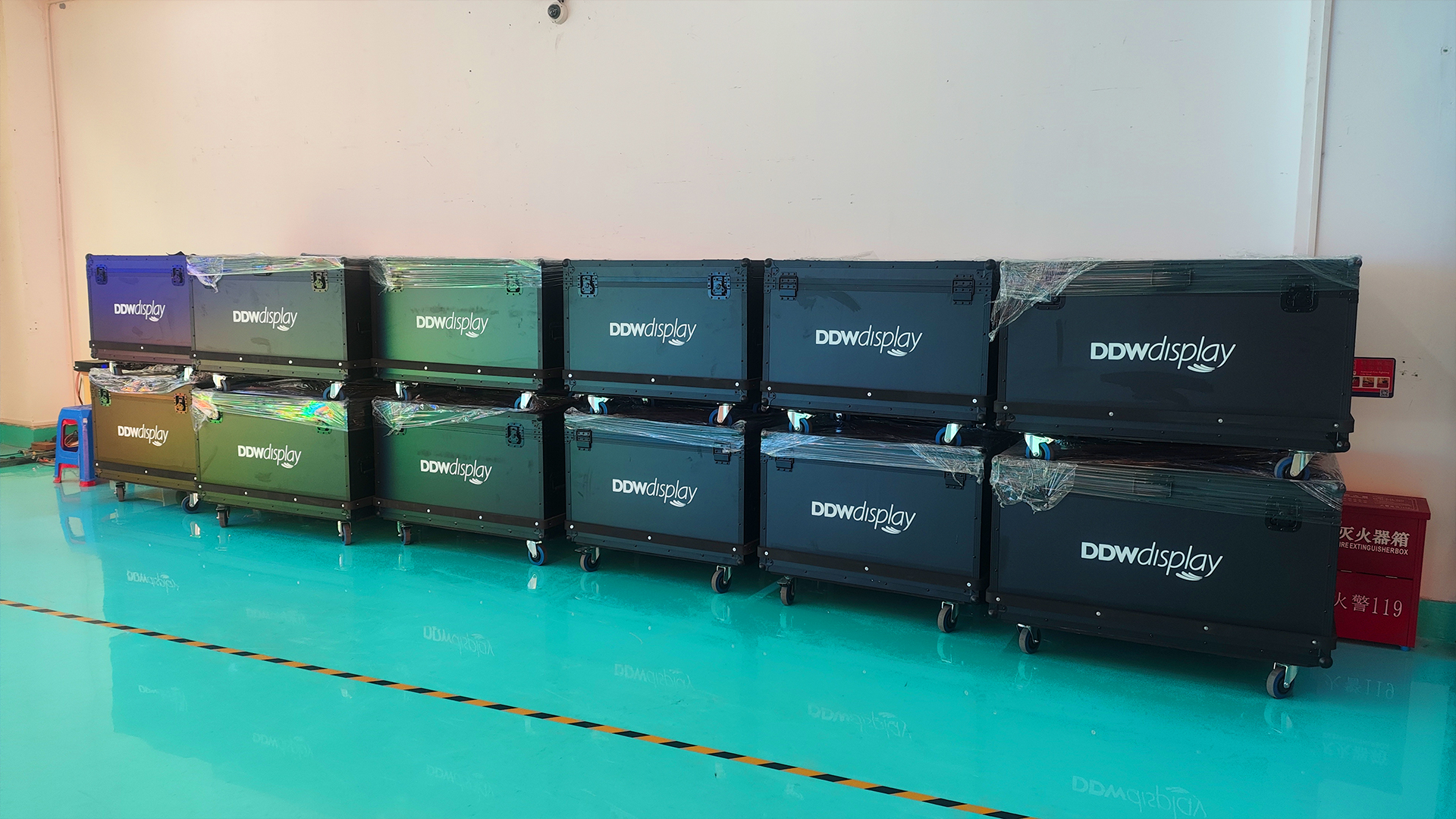
What stays the same across P1.56, P1.95, P2.604, P2.97, and P3.91
The shared platform is the most important fact for buyers comparing these five options. Cabinet size does not change, so the 500×500mm footprint is consistent across the family. Viewing angle does not change, so the H160° / V140° specification applies across the range. Refresh rate can reach 7680Hz across the family, which matters for camera-facing event work. The outdoor version’s IP65 rating and up to 5000 nits brightness are platform-level facts rather than pitch-specific exceptions.
This changes the nature of the comparison. Buyers do not need to choose a different cabinet system, a different viewing-angle class, or a different refresh ceiling when moving between pitches. They are choosing an image-detail level within one rental LED screen family. That is useful for rental operators who want a coherent fleet, and for event producers who want to specify a screen without reopening every structural and signal decision each time.
What changes: pixel density and the distance at which detail holds
The meaningful difference is pixel density. A smaller pixel pitch places more pixels into the same physical area, so the image holds together at closer viewing distances. A larger pitch uses fewer pixels in the same area, which is generally more appropriate when the audience is farther away and the screen is used for large-format backgrounds rather than close-up detail. This is a general display principle, not a claim that every event follows a fixed distance rule.
In the D Series range, P1.56 is the finest option and P3.91 is the largest. P1.95, P2.604, and P2.97 sit between them. The practical question is where the nearest critical viewer sits, how tight the camera shot is, and how much text or fine graphic detail the content contains. A screen that is “too fine” for the viewing distance can consume budget without a visible return. A screen that is “too large” for the shot can reveal pixel structure where the content needs smooth edges.
Pitch-by-pitch positioning within the D Series
P1.56 is the closest-detail option in the family. It suits indoor event work where the audience or camera is close enough to judge fine text, detailed graphics, and smooth gradients. Typical contexts include corporate stages, presentation screens, streaming and broadcast environments, and premium indoor event backdrops where image detail is part of the production value.
P1.95 is a near-fine option for indoor events that need strong detail without going to the finest pitch in the range. It fits conference and exhibition environments, smaller stage designs, and productions where the front rows and camera positions are reasonably close but the screen is not treated as an extreme close-up surface.
P2.604 is the middle option and a practical general-purpose choice for indoor event work. It can support exhibition walls, corporate events, and stage backgrounds where the audience is at a moderate viewing distance. For rental operators building a mixed event calendar, it occupies a useful position between fine-detail indoor work and larger-format stage use.
P2.97 moves toward larger indoor stages and mid-distance audience viewing. It is relevant when the screen is part of a bigger stage composition and the content is primarily full-motion video, atmospheric graphics, or large-format branding rather than dense text. It can also suit productions that need a larger pitch while staying within the shared D Series platform.
P3.91 is the largest pitch in the five-option comparison. It is the natural fit for long-view stage backdrops, large outdoor event screens, and festival-style applications where the audience is far from the screen and the content is read as a large image rather than a close-up detail surface. With the outdoor version’s IP65 protection and up to 5000 nits brightness, it aligns with outdoor event conditions described in DDW DISPLAY’s event production application notes.
Key distinction: The D Series comparison is not a ladder from “lower quality” to “higher quality.” It is a ladder from “detail at close range” to “scale at longer range.” The shared 500×500mm cabinet, H160° / V140° viewing angle, and up to 7680Hz refresh rate mean the platform stays consistent while the image-detail trade-off changes.
Step-by-Step Breakdown: How to Choose Between the Five Pitches
The following sequence is a practical decision process for event buyers and rental companies. It does not replace a site survey or a content test, but it keeps the comparison focused on the variables that actually change across the D Series range.
Step 1: Define the nearest critical viewing distance
Start with the closest viewer who must see a clean image, not the average audience position. For a corporate stage, that may be the front row or an executive seating area. For a broadcast or streaming set, it may be the camera track. For an exhibition booth, it may be the visitor standing directly in front of the screen. The closer this position is, the more the decision moves toward P1.56 or P1.95.
Step 2: Define the farthest critical viewer
Then check the back of the audience or the wide camera shot. A screen that is ideal for the front row may be unnecessarily fine for a distant back row, while a large pitch that works for the back row may look coarse in a tight shot. The aim is to cover both ends of the real viewing envelope, not just the most flattering position.
Step 3: Classify the content
Text, data, logos, and detailed graphics place a higher demand on pixel density than abstract backgrounds or full-motion atmospheric visuals. A conference screen showing presentation slides is a different case from a concert backdrop showing color washes and large-scale motion graphics. Match the pitch to the most detail-sensitive content that will appear regularly, not the least demanding content in the schedule.
Step 4: Estimate native resolution from screen size and pitch
Use the planned screen dimensions and the candidate pixel pitch to estimate native resolution, then compare that resolution with the content and camera output. This is a planning calculation, not a substitute for a content test. The purpose is to avoid specifying a screen whose native resolution is poorly matched to the source material or to the shot size.
Step 5: Confirm installation method and stage geometry
The D Series supports hanging and stacking installation. Confirm how the screen will be rigged or stacked, how the 500×500mm cabinets will be arranged, and whether the stage design requires a particular screen shape or height. Because the cabinet footprint is shared across the five pitches, the installation concept can usually be compared without changing the basic cabinet platform.
Step 6: Confirm indoor or outdoor configuration
For outdoor use, check the IP65 protection rating and the up to 5000 nits brightness of the outdoor version against the event conditions. Outdoor events involve sunlight, weather exposure, and longer viewing distances, which can shift the pitch decision toward the larger end of the range. Indoor events with controlled lighting and closer audiences usually keep the decision within the finer half of the family.
Step 7: Check camera compatibility
Refresh rate is a shared D Series capability rather than a pitch differentiator: the family supports refresh rates up to 7680Hz. For broadcast, streaming, and IMAG-heavy productions, confirm the full camera and processing chain, not just the screen specification. The pitch decision still matters because a tight camera shot will reveal pixel structure more readily than a wide shot.
Step 8: Compare budget against visible benefit
Smaller pixel pitch generally increases cost because it requires higher pixel density. The right budget decision is not “always choose the finest pitch” but “choose the finest pitch that produces a visible improvement for the events you actually serve.” A rental fleet that over-specifies every screen may carry cost that cannot be recovered across routine events; a fleet that under-specifies may lose premium close-view work.
Step 9: Validate with test content before committing
Before a larger order, test the candidate pitch with representative content: text slides, logos, gradients, fast motion, and a camera feed if the event will be filmed. The test should reproduce the intended viewing distance and shot size as closely as possible. This is the point where a specification comparison becomes a procurement decision.
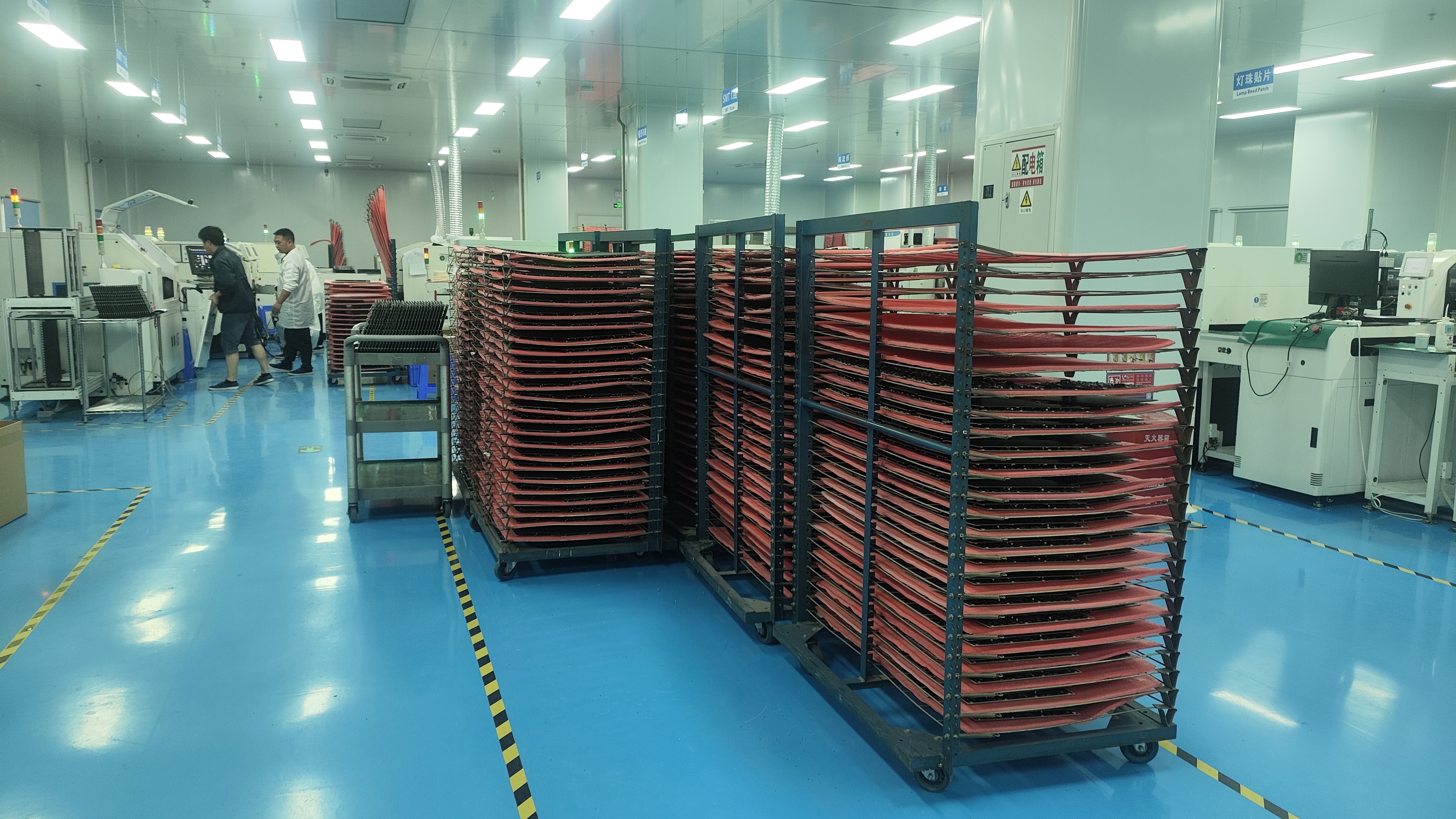
Use Cases: Matching the Pitch to the Event Profile
Concert and stage backgrounds
Concert stages usually prioritize scale, brightness, and camera-friendly performance over close-up text detail. For large upstage backdrops viewed from a distance, P2.604, P2.97, or P3.91 are the more natural D Series options. If the stage design includes close-view side screens or IMAG surfaces where the camera frequently frames faces and detailed graphics, P1.95 or P2.604 may fit better. The shared 500×500mm cabinet and up to 7680Hz refresh rate keep the platform consistent while the pitch changes with the shot.
Exhibitions and trade show displays
Exhibition environments often place visitors close to the screen and combine branding, product detail, and short-form video. That profile usually favors P1.95 or P2.604, with P1.56 reserved for premium booths where fine text and close viewing are central to the display. Because exhibition spaces can also be bright and visually busy, the screen’s brightness and content contrast should be checked alongside pitch.
Corporate conferences and presentations
Conference stages commonly show slides, data, logos, and speaker IMAG. These are detail-sensitive applications, so P1.56 and P1.95 are the most relevant D Series options when the audience is close and the content includes text. P2.604 can work for larger ballrooms or mid-distance seating, but it should be tested with the actual slide deck and camera framing before it is accepted as a presentation surface.
Outdoor festivals and large-format event screens
Outdoor events combine longer viewing distances, weather exposure, and high ambient light. The D Series outdoor version’s IP65 protection and up to 5000 nits brightness are directly relevant here. P3.91 is the natural starting point for large-format outdoor backdrops, with P2.97 as an option when the audience is closer or the content needs more detail. The final choice should account for the nearest audience position and the camera plan, not only the size of the screen.
Broadcast, streaming, and camera-facing stages
Camera-facing productions place a premium on smooth images and detail control. The D Series refresh rate of up to 7680Hz supports camera-friendly performance across the family, but pitch still determines how much detail the sensor can resolve before pixel structure appears. P1.56 and P1.95 are the safer starting points for tight shots and close camera positions; larger pitches are better suited to wide shots and background use.
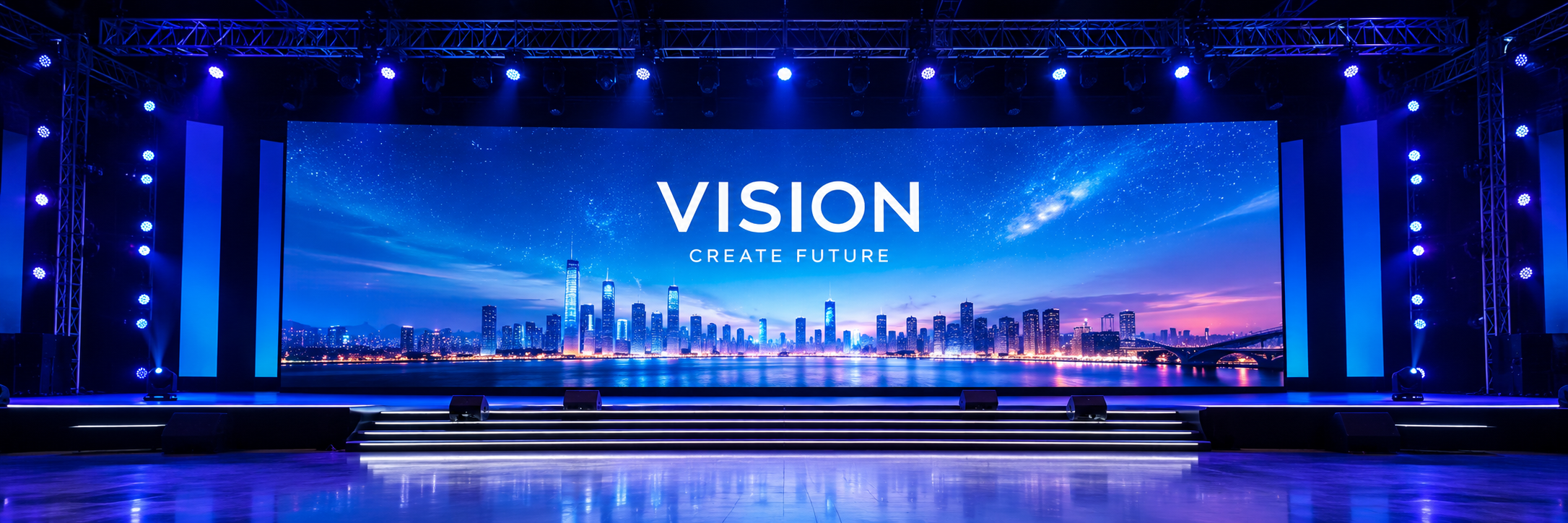
Comparison Table: D Series Pixel Pitch Options
The table below compares the five D Series options using the facts that are shared across the family and an editorial positioning note for each pitch. The positioning note is guidance for event matching, not a separate product specification.
| Option | Position within the D Series range | Typical event role | Shared platform facts |
|---|---|---|---|
| P1.56 | Finest pitch in the five-option family | Close-view indoor stages, corporate presentations, broadcast and streaming surfaces, premium exhibition walls | 500×500mm cabinet; H160° / V140° viewing angle; refresh up to 7680Hz; hanging and stacking installation |
| P1.95 | Near-fine pitch | Conference and exhibition displays, smaller indoor stages, camera-facing productions with moderately close shots | 500×500mm cabinet; H160° / V140° viewing angle; refresh up to 7680Hz; hanging and stacking installation |
| P2.604 | Middle pitch | General indoor event walls, exhibition backgrounds, corporate stages with moderate viewing distances | 500×500mm cabinet; H160° / V140° viewing angle; refresh up to 7680Hz; hanging and stacking installation |
| P2.97 | Larger mid-range pitch | Large indoor stages, mid-distance audience viewing, productions prioritizing scale over close-up text detail | 500×500mm cabinet; H160° / V140° viewing angle; refresh up to 7680Hz; hanging and stacking installation |
| P3.91 | Largest pitch in the five-option family | Long-view stage backdrops, outdoor event screens, festival-style large-format displays | 500×500mm cabinet; H160° / V140° viewing angle; refresh up to 7680Hz; hanging and stacking installation |
| Shared D Series specification | Verified detail |
|---|---|
| Pixel pitch options | P1.56, P1.95, P2.604, P2.97, P3.91 |
| Cabinet size | 500×500mm |
| Viewing angle | H160° / V140° |
| Refresh rate | Up to 7680Hz |
| Outdoor protection | IP65 |
| Outdoor brightness | Up to 5000 nits |
| Installation | Hanging and stacking |
The comparison table uses D Series facts from DDW DISPLAY product information. “Typical event role” is editorial guidance for matching pitch to viewing conditions and should be validated with the actual stage layout, content, and camera plan.
FAQ: Rental LED Screen Pixel Pitch Decisions
The required certifications depend on the destination market, product configuration, and project requirements. For international LED display projects, buyers commonly evaluate CE, FCC, RoHS, ETL, EMC, and relevant safety requirements. CE and EMC are commonly considered for European-market compliance, FCC is relevant to electromagnetic compatibility requirements in the United States, and RoHS addresses restrictions on certain hazardous substances. Before placing an order, confirm which certifications apply to the specific LED display model and destination market, and request the corresponding certificates or test reports from the manufacturer. For rental, stadium, and large commercial projects, certification should be evaluated together with product testing, aging tests, quality inspection, electrical safety, and manufacturer quality-control capabilities.
Yes. The D Series is described with hanging and stacking installation across the rental LED screen family. The five pitch options — P1.56, P1.95, P2.604, P2.97, and P3.91 — share a 500×500mm cabinet, an H160° / V140° viewing angle, and refresh rates up to 7680Hz. Because the cabinet footprint is shared, the installation concept can be compared across pitches without changing the basic cabinet platform. The outdoor version adds IP65 protection and brightness up to 5000 nits for outdoor event conditions.
No. A smaller pixel pitch provides higher pixel density and better close-range image detail, but it usually increases project cost. The better investment is the pitch that provides sufficient image quality for the actual viewing distance, content type, camera plan, and event profile. For close-view corporate stages, presentation screens, and camera-facing productions, a finer pitch such as P1.56 or P1.95 may be justified. For large stage backdrops and outdoor screens viewed from a distance, P2.604, P2.97, or P3.91 may deliver the required visual scale without paying for detail the audience cannot see.
Buyers who need to validate pitch, cabinet quantity, indoor or outdoor configuration, and control-system compatibility can contact DDW DISPLAY to discuss a sample or test configuration and request a quotation for the intended event profile. A practical evaluation should use representative content — text, logos, gradients, fast motion, and camera footage if the event will be filmed — at the intended viewing distance. This helps confirm whether P1.56, P1.95, P2.604, P2.97, or P3.91 is the right fit before a larger rental fleet decision is made.
Conclusion: Choose the Pitch That Matches the Shot, Not the Spec Sheet Alone
The D Series makes the rental LED screen pitch decision more focused than a typical cross-brand comparison. P1.56, P1.95, P2.604, P2.97, and P3.91 share a 500×500mm cabinet, an H160° / V140° viewing angle, refresh rates up to 7680Hz, and hanging or stacking installation. The outdoor version adds IP65 protection and brightness up to 5000 nits. What changes is pixel density and, therefore, the distance at which the image holds the detail the audience and cameras need.
For close-view indoor stages, presentations, and camera-facing productions, start with P1.56 or P1.95. For general indoor event walls and exhibition backgrounds, P2.604 is the middle position. For larger indoor stages and mid-distance viewing, P2.97 becomes relevant. For long-view outdoor backdrops and festival-style screens, P3.91 is the natural starting point. In every case, confirm the nearest critical viewer, the tightest camera shot, the content type, and the installation plan before committing.
DDW DISPLAY supports buyers with product information, configuration discussion, and quotation for the D Series. The company’s 2026 LED display catalog is available for download, and the team can be reached at info@ddw.net or on WhatsApp at +86 134 1755 8100. The official website is www.ddw.net.
Next Step: Compare D Series Pitches for Your Event Profile
If you are specifying a rental LED screen for an upcoming stage, exhibition, conference, or outdoor event, share the viewing distance, content type, camera plan, and indoor or outdoor requirement with DDW DISPLAY. The team can help compare P1.56, P1.95, P2.604, P2.97, and P3.91 against the same 500×500mm cabinet platform and confirm the configuration that fits the production.
Download the DDW LED Display catalog 2026 (PDF)
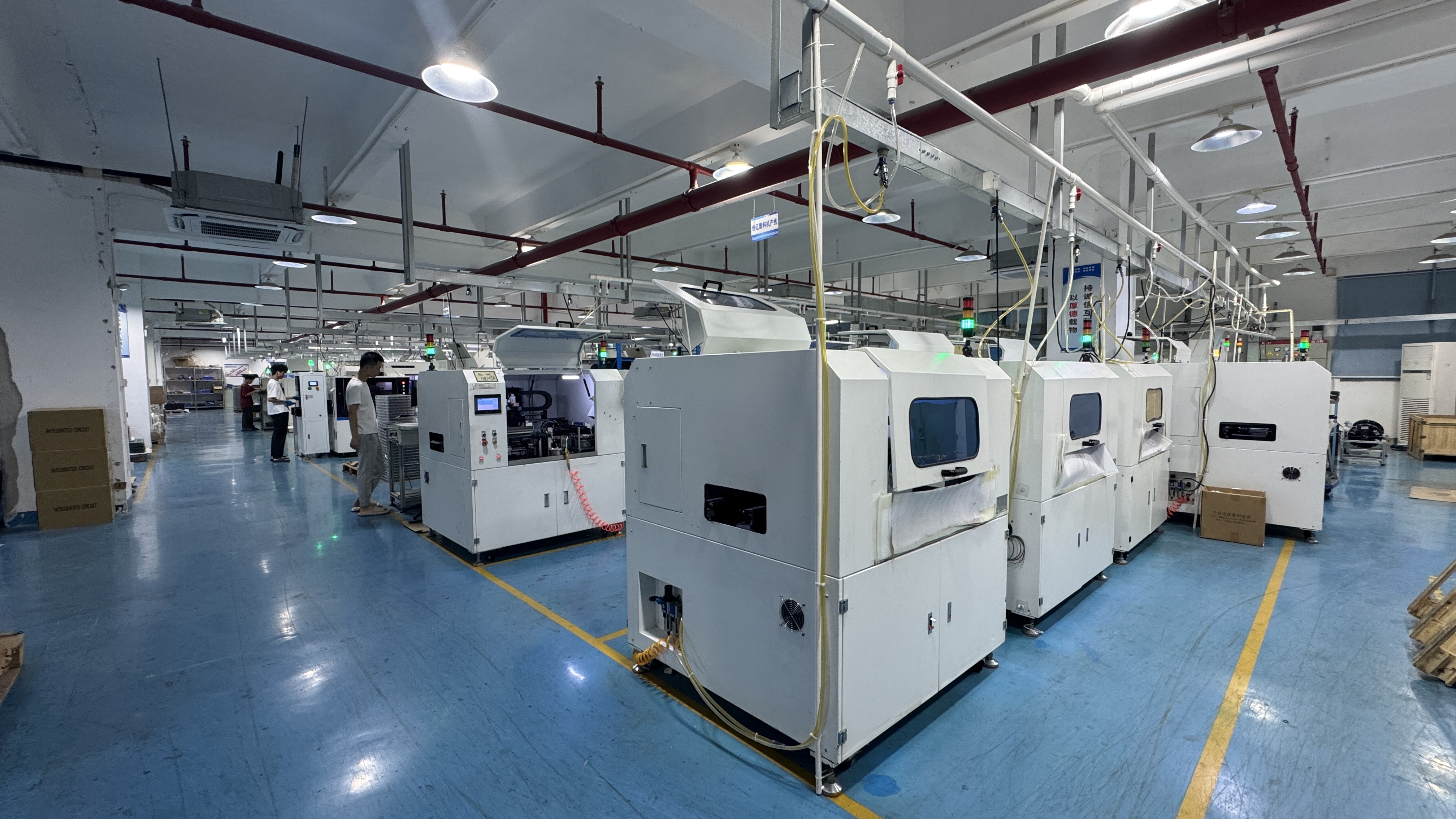
Contact: info@ddw.net | WhatsApp / WeChat / Mobile: +86 134 1755 8100 | Factory address: 2F Building 8, YiLisheng Industry Park, Fuyong, Baoan, Shenzhen, 518103.
Have Questions or Need More Details?
Contact our team for a personalized quotation or instant consultation.
Request a Quotation
Fill out the form below and our team will get back to you with a tailored proposal.
WhatsApp Direct Chat
Prefer to chat in real-time? Message us on WhatsApp for instant assistance & quick answers.
- Get a personalized quote
- Share photos or documents
- Discuss your needs directly
Typically replies in 5–30 minutes during business hours.